Tutorial 2: Installing Jupyter Notebook on your local computer
For running pywapor locally on your laptop, you need to install Python program and install pywapor package in your python environment. This can be done in several ways, however, we recommend you use Mamba package manager, because it is fast, robust, and cross-platform.
2. Install Mamba and access the Miniforge prompt
2.2. Accessing the Miniforge Prompt
On Windows, we use Mamba through the Miniforge Prompt. It is a dedicated command-line interface for interacting with conda environments.
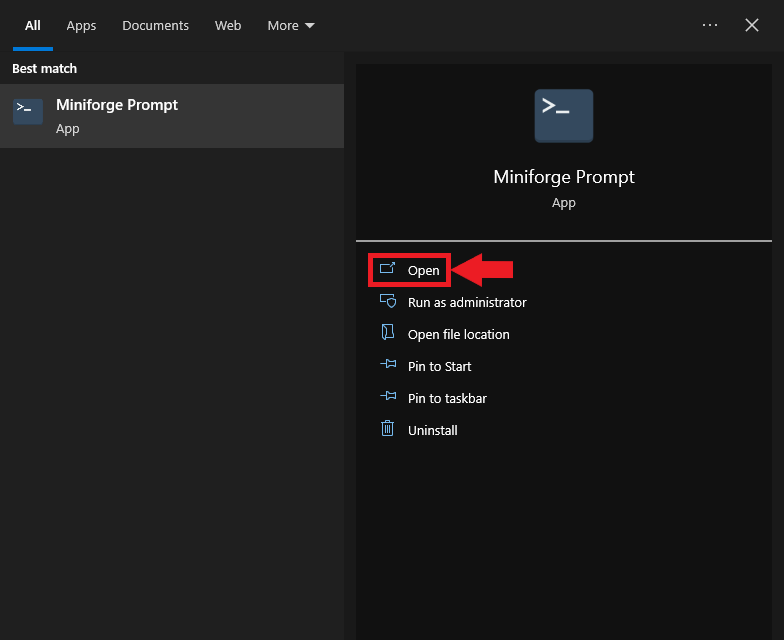
Type “Miniforge Prompt” into the Windows search bar and click Open.
A new command prompt will open at the location of your Windows user folder.
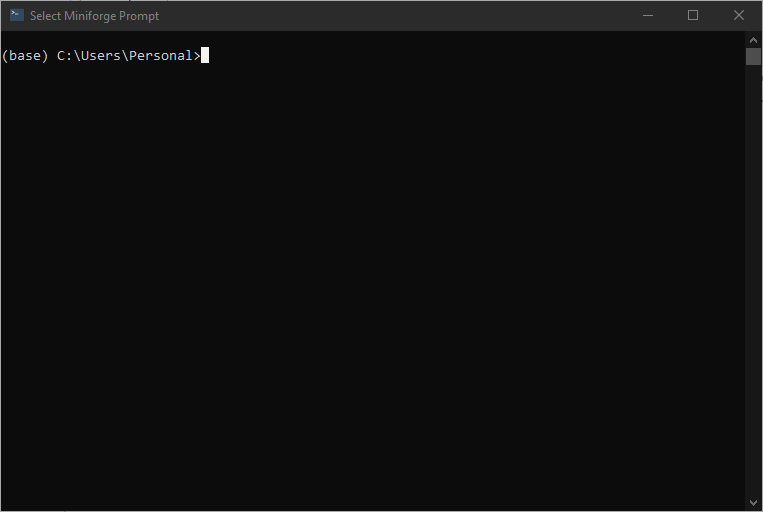
The text in front of the current directory path indicates the name of the current conda environment.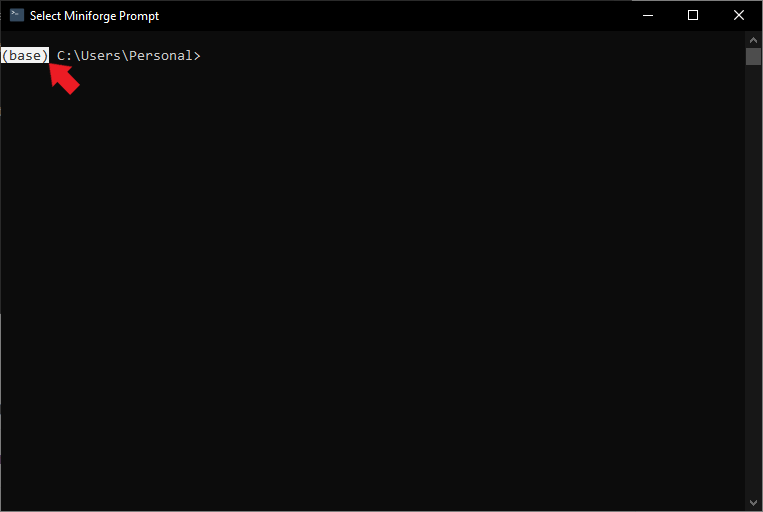
We can get a list of the available conda environments and their locations using the following command:
mamba env list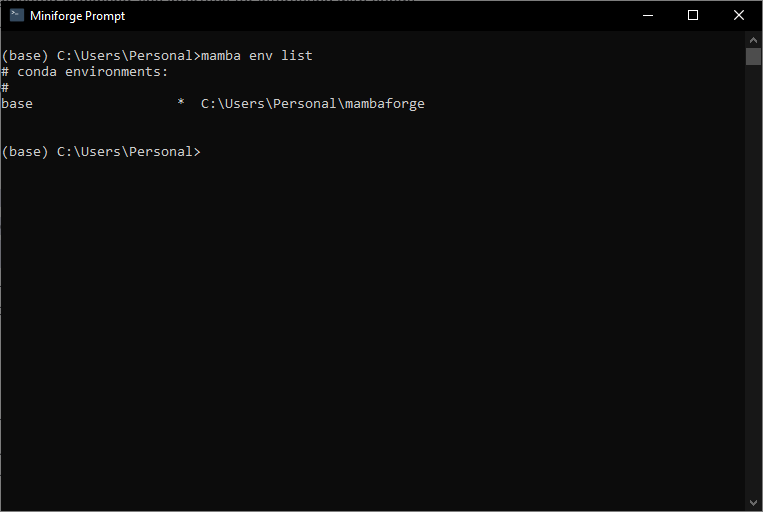
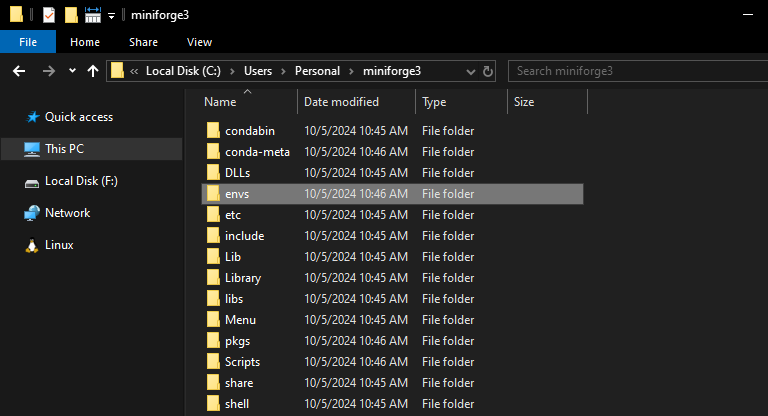
The only one listed is “base.” When Mambaforge is installed, the folder miniforge3 is created in c:/users/personal. Inside it, the folder “envs” can be found. Mambaforge will store any conda environments we create in the “envs” folder.